Charting: the undeniably important but often least favorite part of a dietitian’s day. Regardless of your practice setting, documentation can feel like a never-ending task. But that’s where artificial intelligence can come in and help you save time!
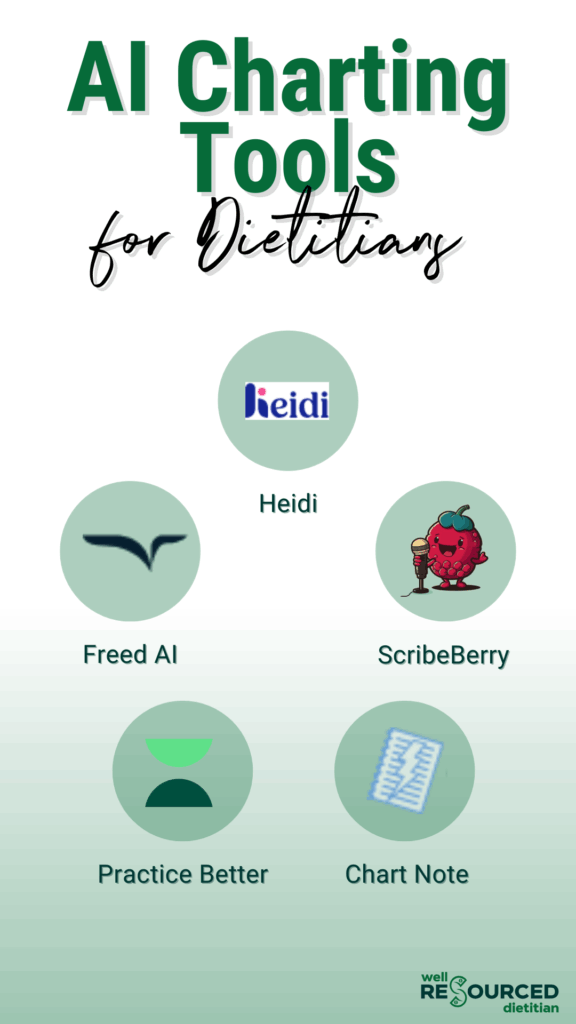
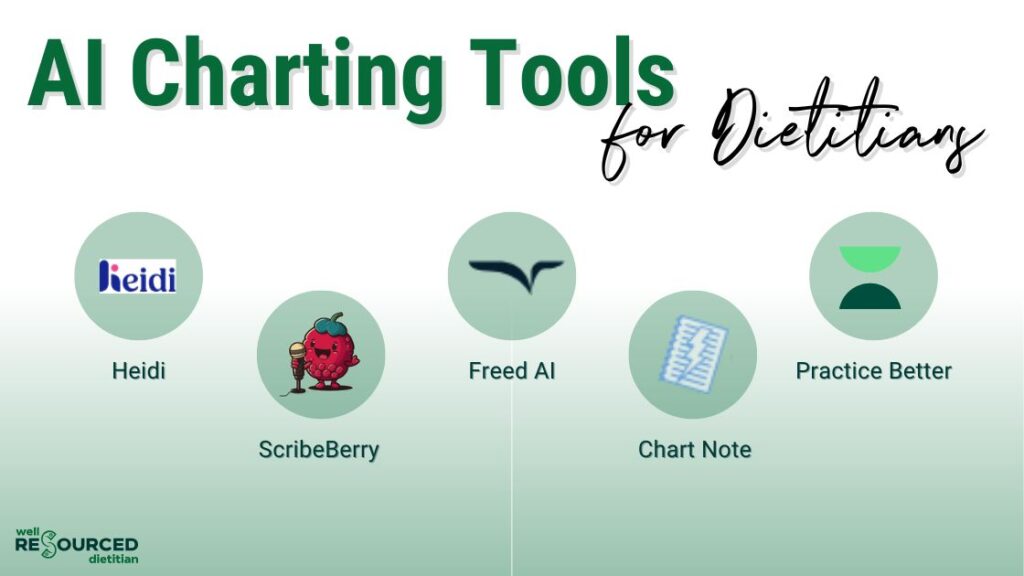
Like any tool, though, AI charting comes with a learning curve and some potential ethical concerns. An RD should be cautious about HIPAA compliance and hallucinations in AI charting, but these can be mitigated by using good tools with your own careful oversight. There are several great tools on the market including Heidi Health (one of the most popular for RDs), Freed, ScribeBerry, and more.
Let’s dive deeper into what every dietitian should know, including how these tools work, ethical considerations, features and pricing of common tools, and insights from fellow RDs.
What is AI Charting and How Does it Work?
AI charting uses large language models and smart automation to help with creating and organizing clinical charting notes.
Large language models (aka LLMs) are machine learning models that have been trained on large amounts of text-based data. Essentially, the model has been fed enough human-written text that it is then able to generate human-sounding text from prompts.
Think about this (very simplified) example: Let’s say you are chatting on the phone with your spouse and you tell them, “I’ll be home in a few minutes, I just need to grab milk at the – ”. At that point, your phone gets cut off.
Based on the start of that sentence, though, your spouse could probably guess that you were going to say “store” or “convenience store” or “supermarket”.
That is how large language models work; they predict text based on patterns in the data sets they were trained on.
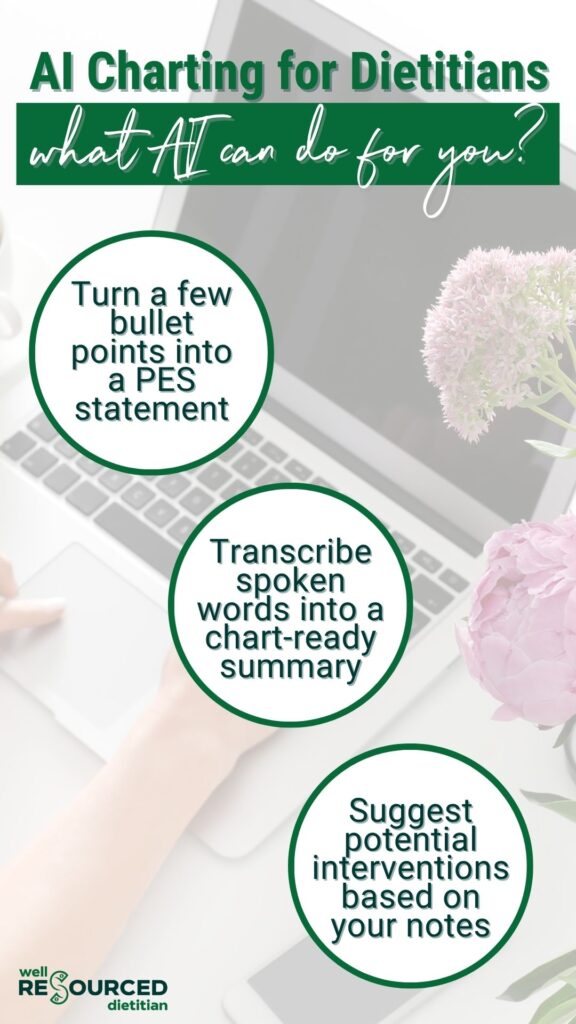
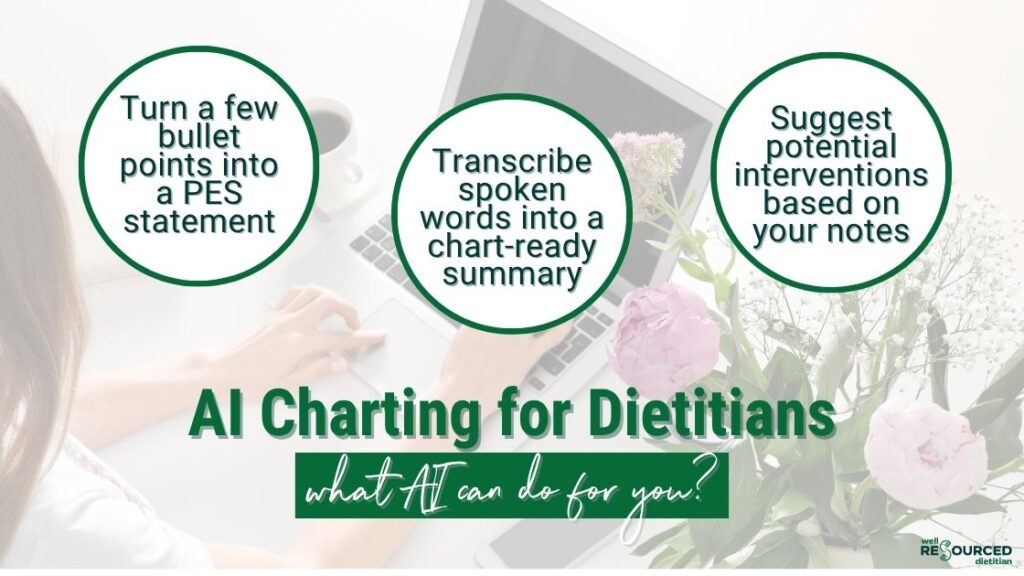
AI charting tools use these large language models and other AI models to help with:
- Transcribing spoken words during a session into chart-ready summaries
- Turning a few bullet points into well-written PES statements or SOAP notes
- Prompting you to complete missing sections of a note
- Suggesting potential interventions based on the rest of the note
Benefits and Risks
One of the biggest benefits of AI charting is that it reduces time burdens on practitioners, allowing for more patient interaction time and/or simply freeing up more time in your busy day. It won’t write everything for you, but it speeds up the process so you’re not starting from scratch each time.
Robin Gatter, MS, CNS, LDN, uses an AI charting tool called Freed and notes “Using AI saves me hours in charting. It also allows me to be present with my clients and fully engaged. Having ADHD, charting felt like an arduous task. Now I can review the note, make any necessary edits, send my follow-up to clients, and then copy and paste the note into the chart.”
Leonila Campos, MBA, RD, LD, uses Heidi Health for AI charting, and echoes these thoughts: “It is time saving for sure. I am used to charting while talking to the patient, but now I can focus more on the patient’s non-verbal cues. I also spent less time finishing my notes. This allows me to sign, close the sessions and bill them right away.”
Research done by the Permanente Medical Group using AI scribe technology for a group of their physicians supports these sentiments. Physicians who used AI to transcribe and summarize patient sessions reported that it helped reduce the burden of clerical work and helped facilitate more effective patient interactions. Patient feedback was also positive, with some noting that it led to improved interactions with their doctors. AI was found to produce clinical documentation with good quality that was ready for physician’s editing, and that its usage was linked to less time spent on documentation.
In addition, it also keeps charting consistent and complete. If you’ve got a heavy client load, you might start to make small mistakes or be less thorough at the end of the day. AI charting can prevent that slip. An article in The Cureus Journal of Medical Science suggests AI tools can identify inconsistencies or omissions in client charts and help prompt a practitioner to add, verify, or correct information. This is of course good for you, but also for any compliance requirements (i.e. CMS, Joint Commission, etc.).
However, there are several risks to using AI charting tools:
- Risk of divulging health information: Not all AI tools are meant to be used in healthcare. For example, many free AI tools use your prompts and input as training data, and risking a breach of HIPAA regulations. Instead, be sure you choose a tool that is HIPAA compliant and offers a Business Associate Agreement (BAA). This ensures the tool is following rules and regulations to safeguard protected health information.
- Hallucinations: AI is often overconfident, even when it’s incorrect. Because it’s a language model – and not a fact checker – it’s important to realize that it will occasionally make up erroneous information. For example, OpenAI garnered publicity in 2024 when ChatGPT was certain the word “strawberry” only contained two “r” characters. Clearly, that’s a silly example, but helps underscore that AI can sometimes be confidently incorrect. Always double check content for accuracy and make sure it reflects your actual assessment and plan in the charting note.
- Nutrition context – Different AI charting tools may be focused on certain specialties, which can lead to some challenges with fully understanding nutrition-based practices and recommendations. For example, Gatter mentioned “I work with clients with eating disorders. The AI had challenges not inserting standard diet culture recommendations in the section I sent to clients.” You can always reach out to the tool and explain these issues, though, to see if the AI model can be better trained and adjusted. Gatter said “I explained what was happening to the head of clinical affairs, and they implemented a change immediately, removing the language.”
- Facility policies: If you’re in your own private practice, you may be able to implement AI charting tools ASAP. But if you’re working in another organization, don’t start using these tools without express permission from your facility. Different legal teams will have different rules about implementing AI.
- Biases: If an AI tool is trained on biased data, it will perpetuate those biases in the text outputs or decision-making processes. It is important to choose tools that are trained on diverse data sets that represent the patients you are working with. Unfortunately, this information is not always readily accessible or even known by the developers (i.e. the developers may not see patterns of biases in the data set). However, you as a practitioner can carefully watch for this in outputs.
PS – If you’re looking for more information about how to use AI ethically, along with other ethical guidelines for digital businesses, check out our Ethics CEU that’s good for 1.5 CEUs! It’s a great option for meeting the ethics continuing education requirement for dietitians.
AI Charting Tools
These AI charting tools are some of the most popular options on the market for dietitians and other health care practitioners. These tools are designed with HIPAA compliance (at the time of publish), ensuring patient data remains secure and private. Keep in mind this is not an exhaustive list, as new tools are popping up frequently, but these are some of the widely used options at the moment.
1. Heidi Health
Heidi Health is an ambient AI scribe that helps automate clinical documentation. It is probably the most frequent option that we’ve seen recommended in dietitian Facebook groups. Features include:
- Ambient AI transcription to capture client session information and draft notes
- “Ask Heidi” feature for customizations, drafting AI referrals, etc.
- Ability to create custom templates so you can structure notes in the way you prefer (i.e. ADMIE, PES statements, etc.)
- Memory function that can learn some of your preferences for charting, interventions, etc.
Pricing: Heidi has a free plan, a pro plan ($99/month or $799/year), and a teams plan ($1,199/user/year).
2. Freed AI
Heidi Health is an ambient AI scribe that helps automate clinical documentation. It is probably the most frequent option that we’ve seen recommended in dietitian Facebook groups. Features include:
- Ambient AI scribe listens to information and automatically generates notes
- Documentation ready approximately 1 minute after the end of audio capture
- Copy and paste into your EHR, or explore some paid integration options
- Learns your style and formatting so that it can replicate it in future notes
- Built by clinicians to ensure accurate medical terminology
Pricing: Freed offers an individual plan at $99/month or a group plan at a custom price (contact the company). They offer a free 7-day trial if you’d like to test the individual plan.
3. ChartNote
ChartNote is a clinical AI documentation tool that offers a balance of features and affordability. Features include:
- AI scribe create a note drafts
- Offers dictation features if you prefer to narrate the visit to create the note yourself
- Chrome extension to interface with popular EHR platforms
- HIPAA business associate agreements (BAA) are available upon request for paid subscribers.
Pricing: ChartNote offers four levels of plans: free plan, premium ($4.99/month), professional ($15.99/month), and max ($99.99/month). Each plan comes with different levels of medical dictation and AI credits.
4. ScribeBerry
ScribeBerry is a comprehensive AI medical scribe tool. It is currently used by over 30,000 providers. Features include:
- AI scribe that summarizes client sessions into easily-editable notes
- Customizable templates with AI suggestions
- Has an “ADA” – or Autonomous Doctor Agent – that can help with intake information like patient history, pre-fill forms, and data collection via a conversational chat.
- Physician-led team
- PIPEDA compliant (in addition to HIPAA) for Canadian practitioners
Pricing: ScribeBerry offers a free plan (limited to 20 uses per month), a pro plan for individual clinicians and small practices ($99/mo), and enterprise plans for large organizations (custom pricing).
5. Practice Better AI Charting Assistant
Practice Better is a popular EHR platform for dietitians, so their built-in AI charting assistant may be a good option if you’re already using this tool and are conducting virtual counseling sessions. Features include:
- AI summary for telehealth, Zoom, and in-person sessions that records, transcribes, and summarizes sessions
- Three summary formats: Bullet, Narrative, and SOAP notes
- AI dictation tool that captures your own speech and notes
Pricing: The AI Charting Assistant is an add-on feature in Practice Better. You can enable it if you’re on a starter plan or a higher-level plan. Pricing is based on usage. The first 600 minutes of AI usage are free.
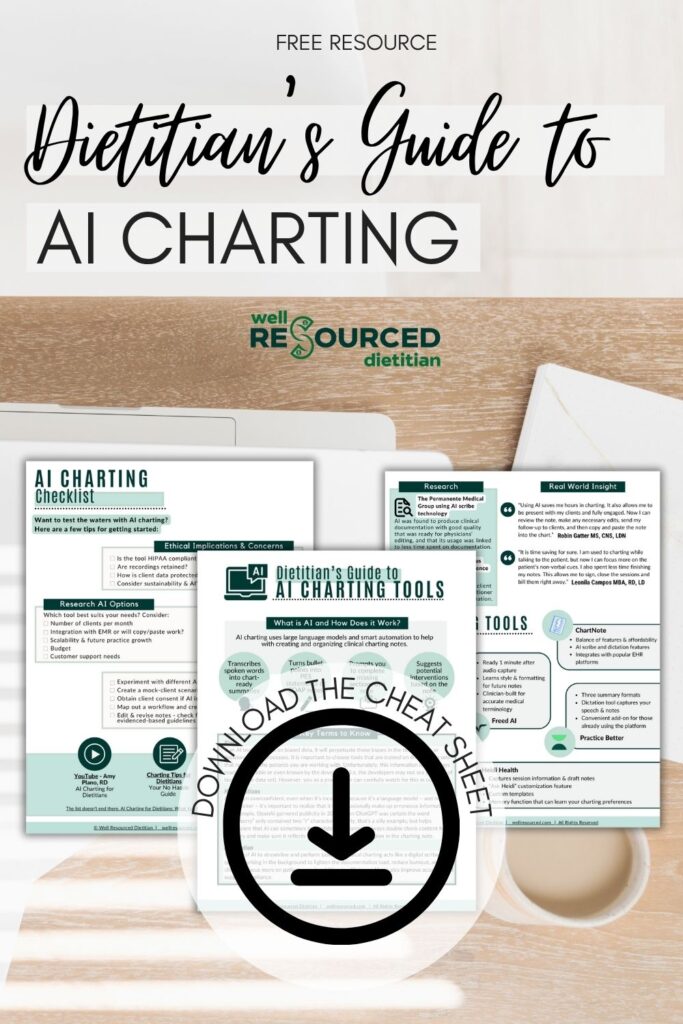
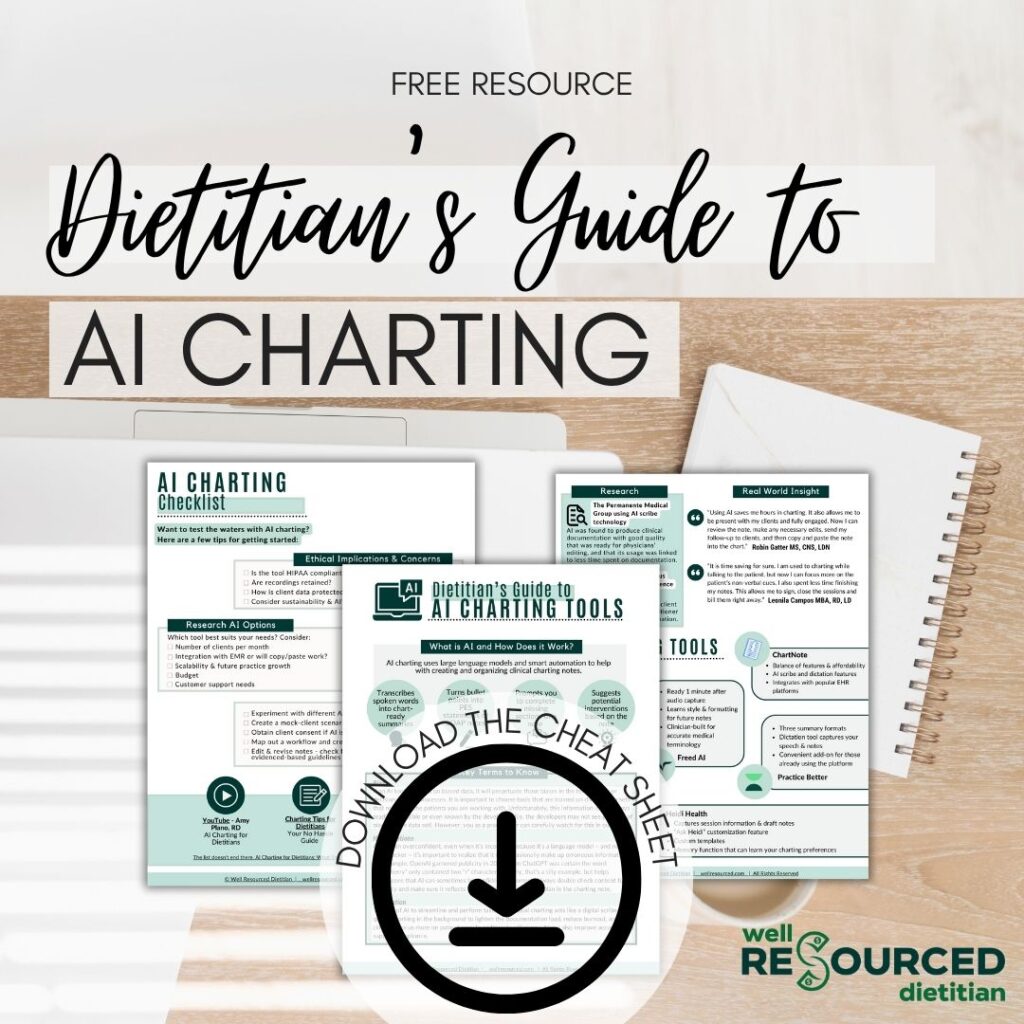
"*" indicates required fields
Tips for Getting Started
Want to test the waters with AI charting? Here are a few tips for getting started:
- Start by considering the potential ethical implications and how you may mitigate any ethical concerns. HIPAA is clearly the largest ethical and legal issue for AI charting, so be sure to select a tool that is HIPAA compliant. Another concern might be whether the AI tool retains recordings, and if so, how are they stored to protect client data? (In general, most tools discard recordings after a certain time). Similarly, if sustainability is a focus in your practice, it may be worth considering the carbon footprint of AI use and whether this aligns with your values.
- If you are ready to use an AI tool, research options based on your needs. Consider how many clients you see each month, if you need integration with your EHR (or if a copy/paste option is just fine), scalability for future practice growth, your budget, and customer support. Knowing these answers will help you determine the best tool for your situation. Campos notes that tools can get pricey, but many offer free plans that can be quite useful depending on your client load.
- Pick a tool and experiment with it. Consider creating a mock client scenario first before deploying it with real clients. You can always play around with a few options first and then select what works best! As Gatter notes, “Most companies offer a free trial period to allow you to test their service. You can try a few of them to see which one feels like a good fit and captures your session most accurately, in the format that works best for you.”
- Obtain client consent if AI is being used to record and summarize sessions. ScribeBerry provides a sample consent form that is quite useful!
- Map out the workflow for how you will go about client sessions and AI charting. It may help to review our charting tips when you’re creating workflows and custom templates to use in your practice.
- Edit and revise notes. Be sure to check for accuracy, biases, and clinical evidence-based guidelines.
- Amy Plano, fellow RD, has shared a very helpful video on her YouTube channel showcasing how to get started with AI charting. You can find it embedded below and it’s a very useful watch.
The Bottom Line
Charting may never be fun, but it also doesn’t have to be slow and tedious either. AI powered charting tools can help dietitians reduce mental fatigue, save time, and become more consistent with patient care documentation. While you can’t completely remove this responsibility from your plate, AI can help make it easier.
Recommended reading
Ready to learn more? We’ve hand-picked a few favorites from the blog.
- What Dietitians in Online Business Need to Know – If you’re looking for more information about how to use AI ethically, along with other ethical guidelines for digital businesses, check out our Ethics CEU that’s good for 1.5 CEUs.
- Charting Tips for Dietitians: Your No Hassle Guide – Learn how to get started in private practice with charting tips for dietitians. Stay organized, save time (and don’t fall behind again!).
- How to Create Meal Plans for Clients (Tips for RDs) – Learn exactly how to create meal plans for your clients, starting with your initial assessment and ending with a plan they’ll actually follow!